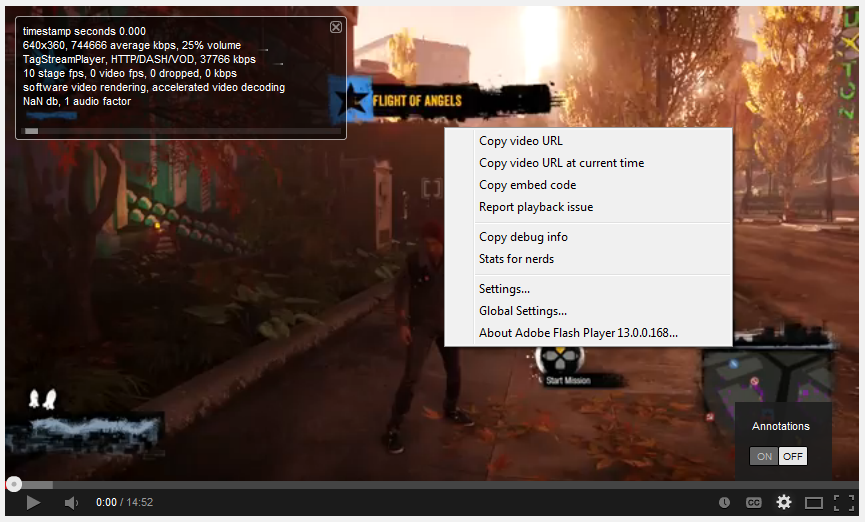
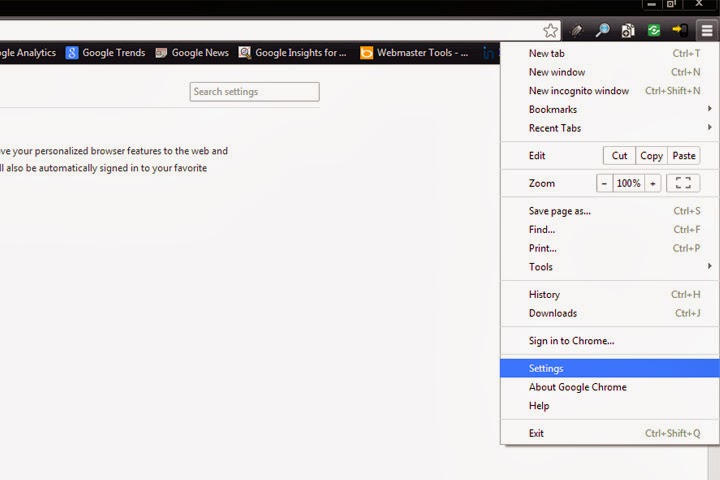
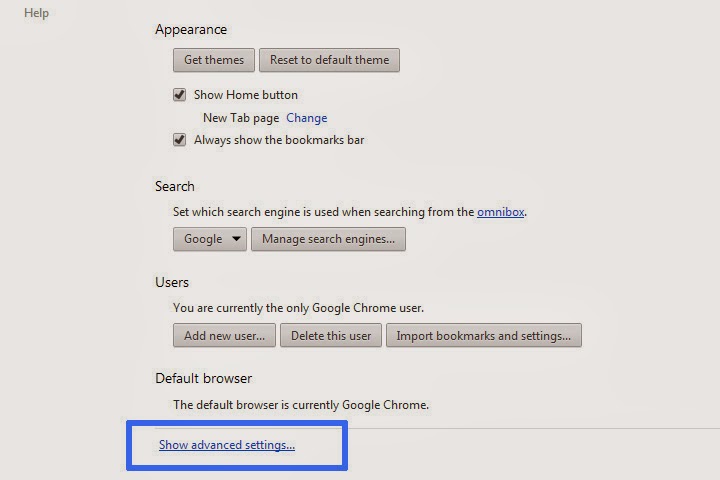
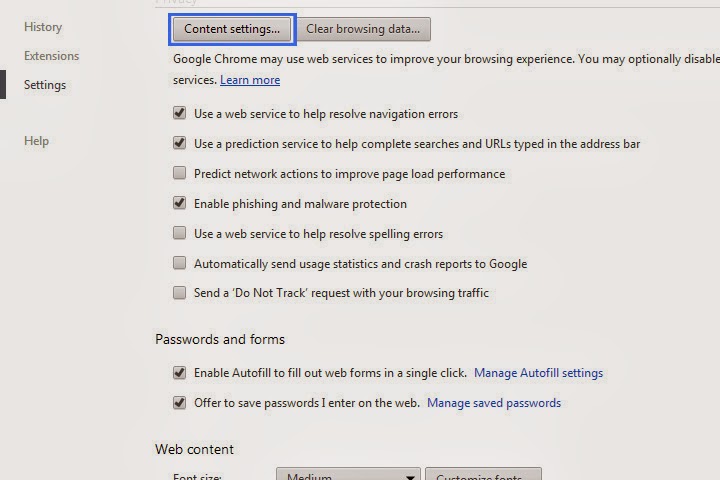
There was a problem with my computer that I didn't experience in my laptop. I was struggling with this annoying thing where some images are not showing or displaying in any web browser, like the image on the left. I hate that when a web page stops loading and you see there are other things that need to be loaded and you're not contented of what you're seeing. I mean, it's like "uhh, is that all?," then you keep on refreshing the page but it still gives you the same result, no image, some plugins or ads are not showing.
It will ruin your day especially if you're a Publisher or Affiliate Marketer and you're placing ads on your websites then boom! it doesn't appear. It took me like three hours to solve this problem. I've read lots of solutions but it didn't work. Then I read this one solution by trying to check the Windows hosts file if there are some unnecessary texts. I also found that I have an application named SafeIP, free web proxy, and I'm sure it was the cause of my problem.
I checked my hosts file and saw lots of IPs and I didn't remember what is written in there. I deleted it quickly and did not make a backup. That's the other problem, I can't show you what is written in that file. But there is this words that I remember #SafeIP# and ends in #SafeIP Malware#.
Well, I don't think it is a malware, because you know malware with a hashtag, who believes in that. The thing is, I just solved my problem. For those who are unfamiliar with hosts file, it is located here "C:\Windows\System32\drivers\etc".
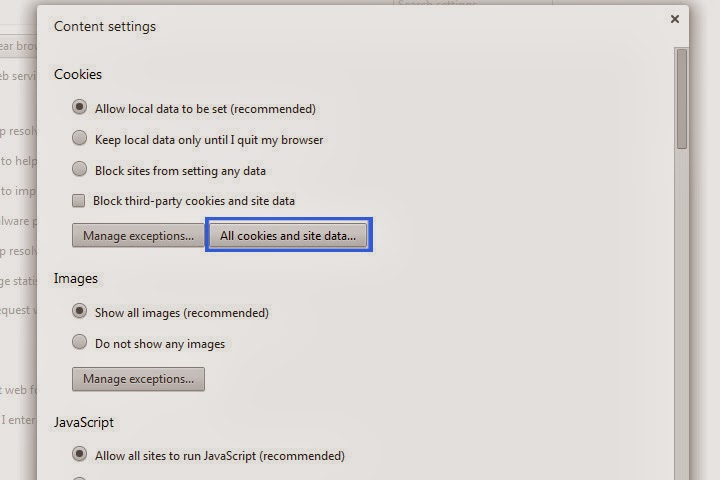
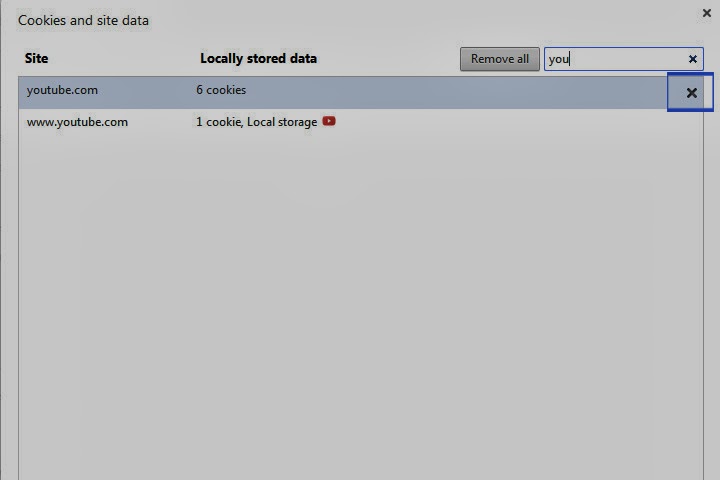
If the problem only exists in one of your browsers, you can try clearing your browser history, cache and cookies. For Mozilla Firefox and Google Chrome users, just press Ctrl+Shift+Del and check everything you see. Don't ask me about Internet Explorer.
Solution 2: Update Java and Flash.
Solution 3: Go to Control Panel > Network and Internet > Internet Options > Advanced tab. Scroll down to Multimedia and check Show pictures.
That's all I got for now. If you found another solution, please let me know.